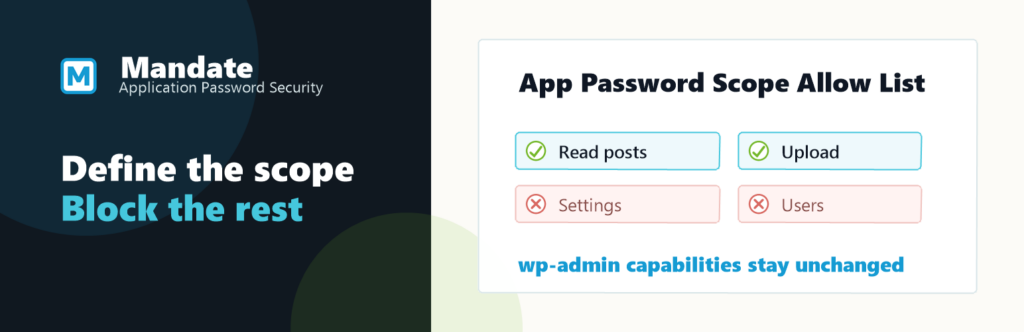
WordPress Application Passwords let external tools authenticate without using a person’s login password. What they don’t do is limit what those tools can access once they’re in. We’ve built Mandate App Security to close that gap.
The Gap in Application Passwords
The WordPress REST API is the interface external tools use to read or change site data. If the authenticated user is an administrator, the connected tool can make administrator-level requests.
Broad access may be convenient. Broad access is not least privilege.
Least privilege means giving a tool only the permissions it needs for its assigned task.
That matters more now because WordPress is being connected to more outside systems: AI writing tools, automation platforms, dashboards, REST API clients, and Model Context Protocol (MCP) connectors. They give AI assistants a standard way to call external systems like WordPress.
Many connected tools need narrow access. Very few need full account access.
What Mandate Changes
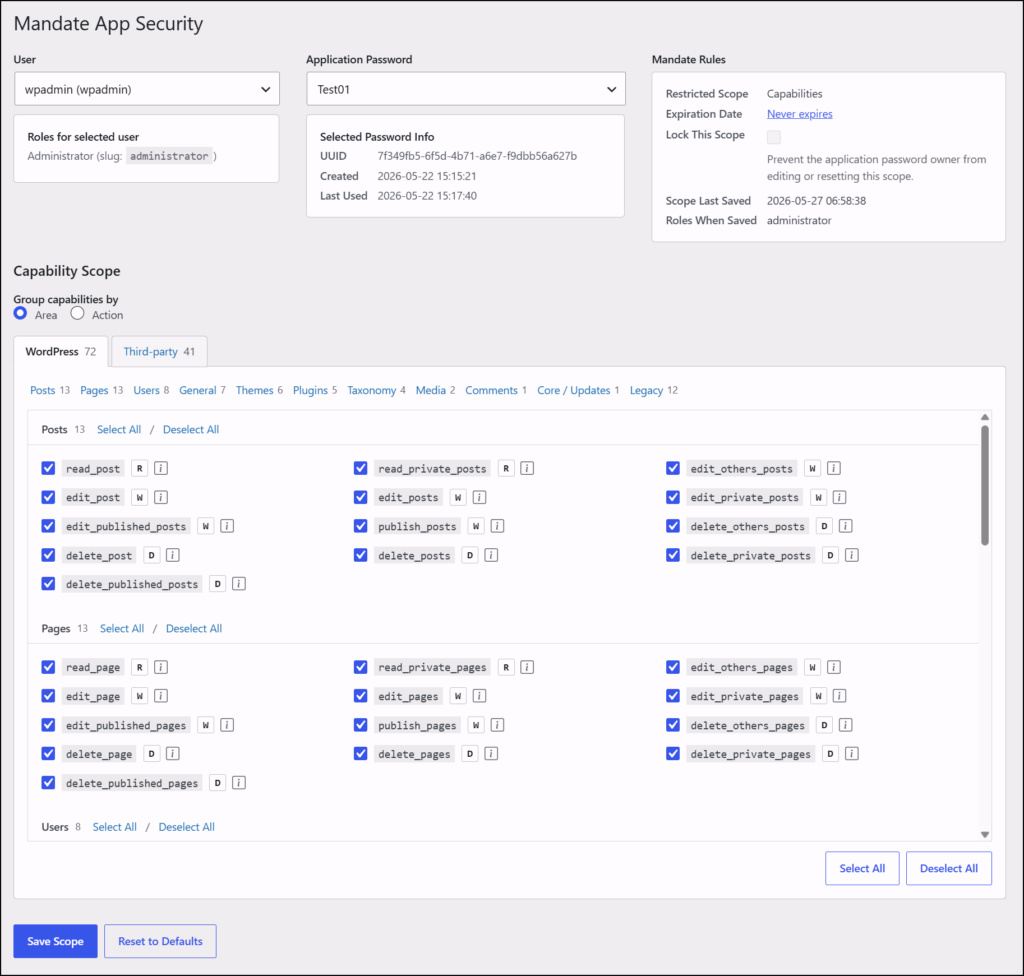
Mandate lets you define a scope for one Application Password at a time. A scope is the set of capabilities Mandate permits for that password. Nothing outside the scope applies while that password is in use.
Choose the user, choose the password, remove the capabilities the connected tool does not need, and save the scope. Capabilities are WordPress permissions such as read, edit_posts, upload_files, or manage_options.
When a request uses the selected password, Mandate removes any capabilities outside the saved scope for that request.
Mandate cannot grant new permissions. It can only narrow the permissions the selected user already holds.
Administrators can set an expiry date on a scope or lock it entirely. A locked scope is visible to the password owner but cannot be expanded.
Where Mandate Helps
Mandate is for situations where a connected tool needs WordPress access, but not all of a user’s access.
- An AI writing assistant can draft or publish posts without plugin management access.
- A reporting dashboard can read content or WooCommerce orders without changing site settings.
- An automation workflow can upload media without managing users.
- A REST API client or MCP connector can have one scoped credential for one job.
What Mandate Does Not Do
Mandate does not create Application Passwords for you. You still create and manage them from the WordPress user profile screen.
The plugin does not edit WordPress roles, store generated password values, or change normal wp-admin sessions. Application Passwords without a saved Mandate scope keep normal WordPress behaviour.
Mandate works at the capability level. It does not filter individual REST API routes or restrict access to specific posts or objects. On WordPress Multisite installations (networks of multiple sites managed from one dashboard), scoping is supported for standard user accounts but not for super-admin accounts.
Mandate is an extra layer. It does not replace careful WordPress roles, secure integration setup, or normal security controls.
Where To Find Mandate
You can install Mandate App Security from WordPress.org. The WPMandate website explains the security model and shows example scopes.
The public GitHub repository includes the source code and release packages.
If your site connects to AI tools, automations, dashboards, REST API clients, or MCP connectors, start with one question: what should the connected tool be allowed to do?
Mandate turns the answer into a policy on the Application Password.
Comments and Suggestions
As always, we welcome any feedback you may have. Please leave any comments below and we’ll get right back to you!